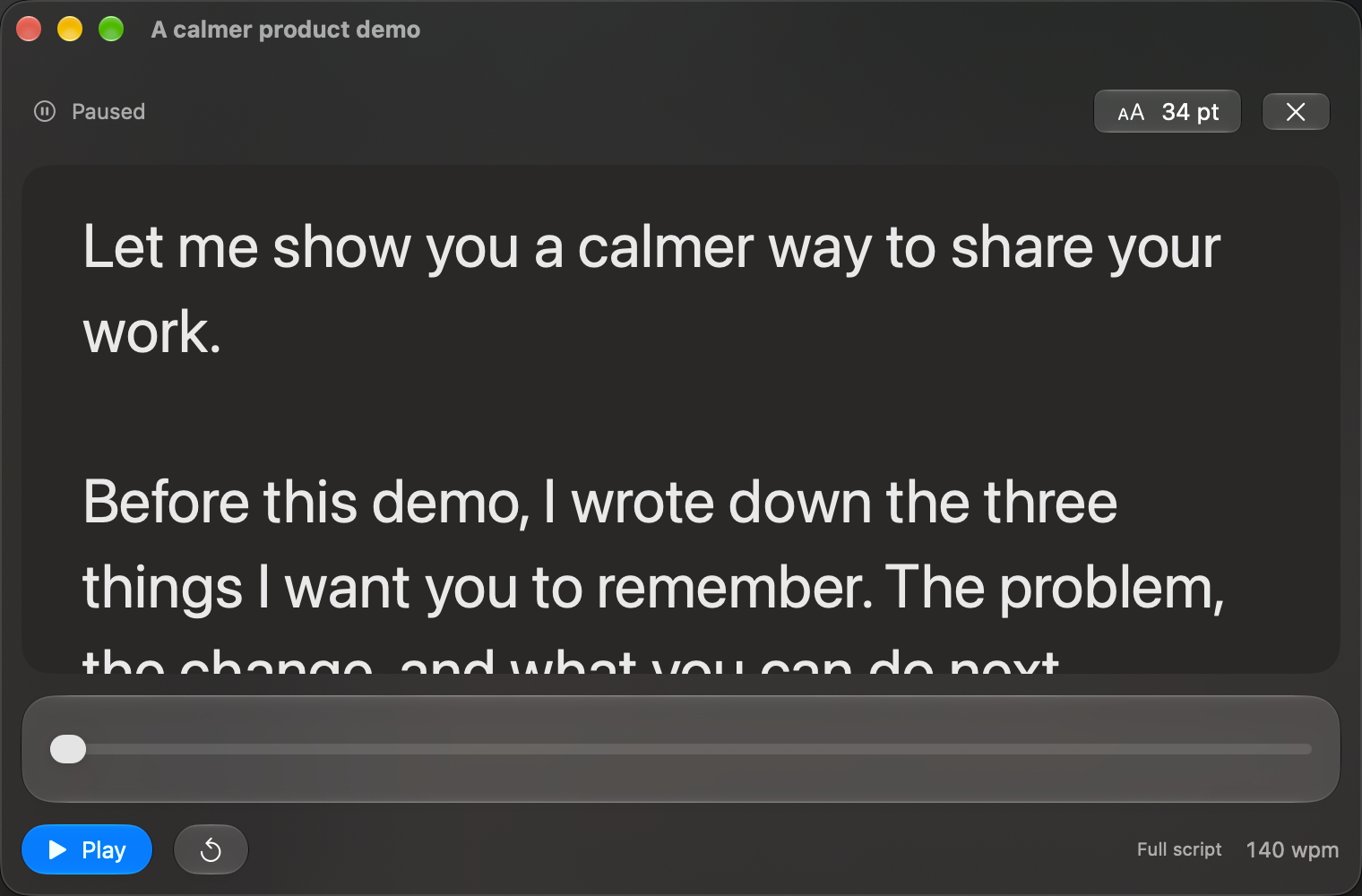
If you need a teleprompter for a short introduction, a concise video or a rehearsal, TaL’s free tier gives you a place to start without beginning a countdown. It requires macOS 26 or later and runs on Apple silicon and Intel Macs.
What stays free
You can save unlimited scripts and read any individual script up to 500 words. Normal reader controls, reading preferences, script editing and text export remain available. The limit applies to each script, not the total number of words in your library.
Write an introduction in the editor and check its word count before opening the reader. A fresh installation stays on the free tier until you explicitly choose to start a Pro trial or activate a purchase. Downloading or opening the app does not start a trial.
Make a short script useful
Give the script one job. For a product introduction, use three paragraphs: the problem, a concrete example and the next step. Read it aloud and cut anything that repeats an earlier point. Choose the reader’s font size and speed for a comfortable rehearsal.
Today I want to show you a simpler way to prepare a demo. We will start with one short script, rehearse the opening, and record a small section. The goal is a clear explanation, not a perfect first take.
The getting-started guide walks through the controls.
When a script is longer
Pro removes the word limit. The optional 14-day Pro trial starts only through an explicit action in the License window. It does not automatically bill you. Pro currently costs $39 once, covers two personal Macs and includes two years of updates; see the product page for the current terms.
When a trial expires, free playback for scripts up to 500 words continues. Longer scripts stay intact and remain editable and exportable; playback of those longer scripts requires Pro access. Expiry does not truncate your writing.
Before your first recording
Test the reader with your actual recording setup. TaL pauses when you switch apps, and a floating window is not a guarantee that recording software will exclude it. Make a short test take before relying on any screen-sharing or capture arrangement.